Samsung Galaxy S26 Series Receives October 2026 Security Update
Samsung has started rolling out its October 2026 security update for the Galaxy S26, Galaxy S26+ and Galaxy S26 Ultra.
Key Takeaways
- Covers the Galaxy S26, S26+ and S26 Ultra
- Reported first in the US and Canada; other regions may follow
- Reportedly about 530 MB with roughly 62 security fixes
- Check Settings > Software update to see if it has reached you
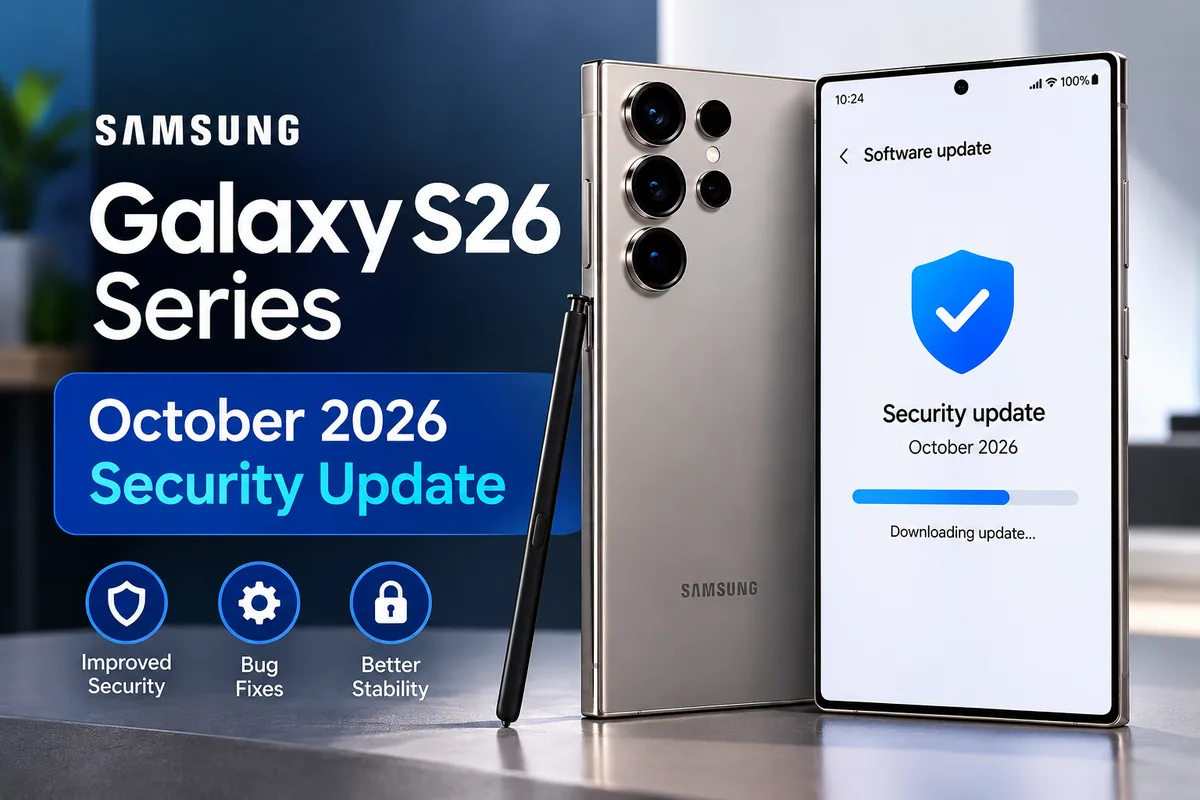
AI-generated illustration
What Does the Update Include?
Android Central reported on October 9, 2026 that the update is rolling out to the Galaxy S26 series, with the first reports coming from the US and Canada. The report says the download is about 530 MB and includes roughly 62 security fixes: around 50 from Google and about 13 from Samsung.
The fixes cover vulnerabilities in Android and Samsung software, including flaws that could let an attacker run code or gain higher access on a device. Samsung lists its own fixes in its monthly security bulletin.
Security updates rarely add visible features. Their job is to close known weaknesses, so you may not notice any change after installing, which is normal.
How to Check for the Update
Galaxy S26 owners can check for new software like this:
- Open Settings.
- Select Software update.
- Tap Download and install.
- Follow the on-screen instructions if an update is available.
Availability depends on your country, carrier and exact model. If the update does not appear yet, it has most likely not reached your region. Rollouts normally arrive in stages over days or weeks.
Should You Install It?
Installing official security updates is generally recommended. Before you start, make sure your phone has enough battery charge, a reliable Wi-Fi connection and enough free storage for the download. Backing up important data first is a good habit before any software update.
Frequently Asked Questions (FAQs)
Will the October security update delete my data?
Official Samsung security updates are not designed to erase your data. It is still wise to back up important files before any update.
Why have I not received the update yet?
Samsung releases updates in stages by country, carrier and model. If it has not appeared, check again in a few days.
Is this a big One UI update?
No. This is a monthly security patch focused on fixes, not a new One UI version with new features.
MobiCircuit’s Take
Security patches are not as exciting as major Android upgrades, but they matter for everyday users. If you own a Galaxy S26, S26+ or S26 Ultra, check for the October update and install it once it appears for you.
More MobiCircuit News
Source: Android Central, October 9, 2026. Rollout details can change, so check your phone’s Software update screen for what is available on your device.