Google Releases Android 17 QPR2 Beta 7 for Pixel Phones, Fixing Battery Drain and Download Issues
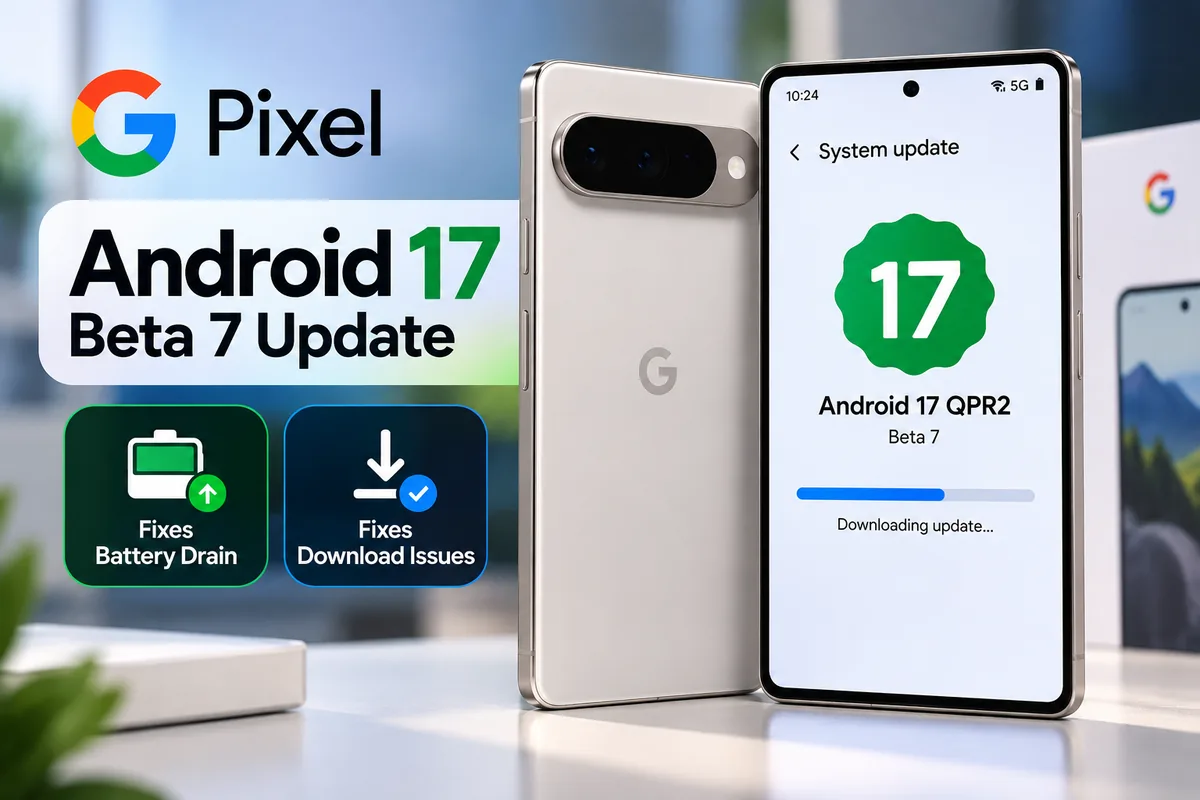
Google has released Android 17 QPR2 Beta 7 for supported Pixel phones. The update, released on October 9, 2026, fixes two software problems that affected battery life and file downloads.
Key Takeaways
- Fixes excessive idle battery drain linked to the Flip to Shh feature
- Fixes HTTPS downloads that failed through the system DownloadManager
- Mainly for people already in the Android Beta Program
- Beta software can have bugs, so back up your data first
AI-generated illustration
What’s New in Android 17 QPR2 Beta 7?
Unlike major Android releases, this one adds no new features or interface changes. It is a bug-fix build, and it is mainly aimed at people who already test Google’s beta software through the Android Beta Program. Google’s release notes list two fixes.
1. Fix for excessive battery drain
Some Pixel users saw unusually high battery use while their phones were idle. The problem involved the Flip to Shh feature, which could stop affected phones from entering deep sleep properly. Beta 7 fixes this, which may improve standby battery life for people who hit the bug.
This does not mean every Pixel will gain noticeable battery life. The fix targets the reported software problem only.
2. Fix for failed HTTPS downloads
The second fix covers Android’s system DownloadManager. Some HTTPS downloads started through this service failed immediately. The update resolves that, so affected apps can download files normally.
Which Pixel Phones Can Get It?
The beta is offered to supported Pixel phones that are eligible for the Android Beta Program. Availability depends on your exact model and on whether it is enrolled. Check Google’s official Android beta page for the current list of eligible devices.
How to Check for the Update
If your Pixel is already enrolled in the Android Beta Program:
- Open Settings.
- Select System.
- Tap Software updates.
- Open System update.
- Check whether a new update is available, then follow the on-screen instructions.
If you are not enrolled, understand the risks before you join. Beta software can contain unfinished features and bugs.
Should You Install Android 17 QPR2 Beta 7?
If you already run Android 17 QPR2 beta software, this update may help, especially if you saw odd battery drain or failed downloads. If you rely on your Pixel for work, banking or daily communication, waiting for stable software is usually the safer choice. Back up important data before installing any beta update.
Anything Else to Know?
Google lists one known issue: some Pixel 11 Pro Fold users may need to enroll their face again for Face Unlock to work properly. The release carries build number CP41.260831.016 and the October 5, 2026 security patch level.
Frequently Asked Questions (FAQs)
Is Android 17 QPR2 Beta 7 a stable release?
No. It is a beta build. Stable releases are separate, and beta builds can have unfinished features and bugs.
Should I join the beta just for these fixes?
Only if you are comfortable with beta risks. If your Pixel works well on stable Android, there is no need to join the beta program for these two fixes.
Can I go back to stable Android after installing a beta?
Leaving a beta can need a reset that erases data on some builds, so back up first and read Google’s official instructions before you change anything.
MobiCircuit’s Take
This update matters most to Pixel users who saw battery drain while their phones were not in use. Instead of flashy features, Google is fixing problems that affect everyday reliability. If you already test Android 17 QPR2, checking for Beta 7 makes sense. If your Pixel runs well on stable Android, you can skip the beta.
More MobiCircuit News
Source: Google Android Developers, Android 17 QPR2 release notes. Beta builds and eligible devices can change, so check Google’s official pages before you enroll or update.